FF Proxy Server Best Settings for Smoother Play
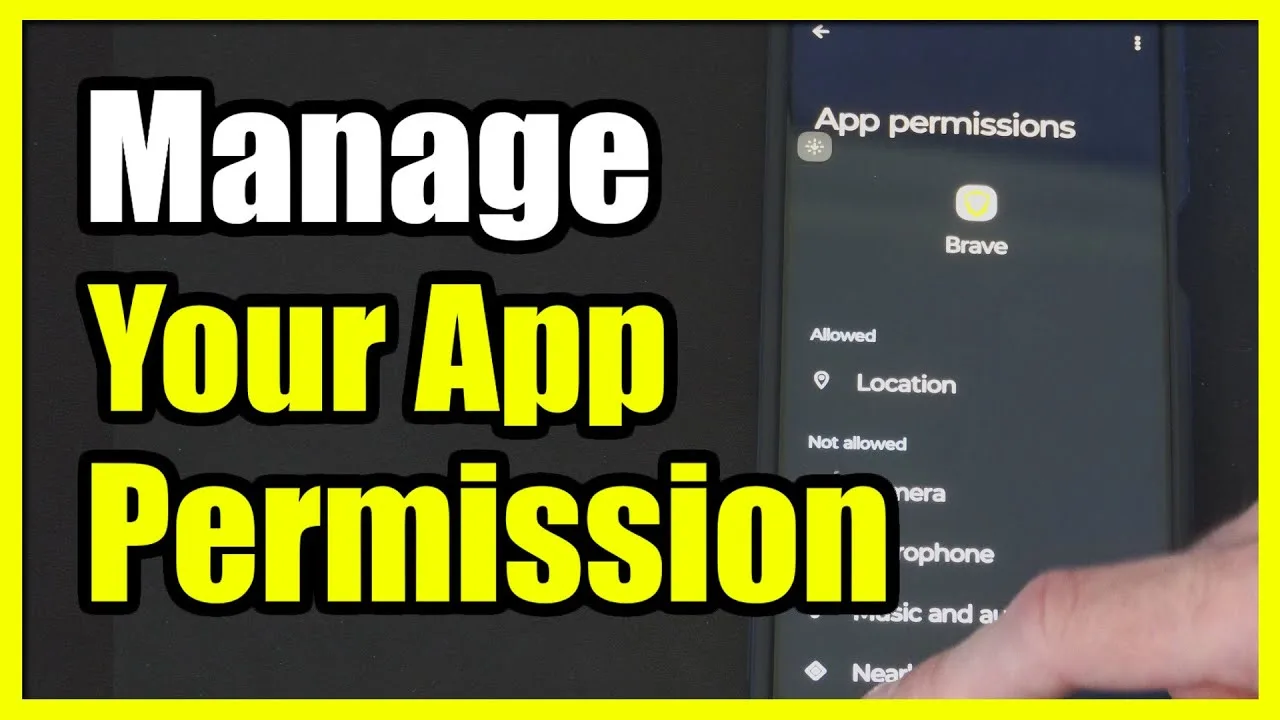
There is no single settings page that works perfectly for every phone and every network, but there is a reliable way to find the setup that suits you. The best FF Proxy Server settings are the ones you reached by testing, not the ones you copied from a stranger whose connection, city, and handset are completely different from yours.
If you have not installed the app yet, begin with the FF Proxy Server Android download and get a plain first session behind you before touching anything. Settings only make sense against a baseline. Without one session on default choices, you have nothing to compare your changes with, and every adjustment becomes a guess.
Change One Setting at a Time
The golden rule of settings work is patience: change one option, play a session, then judge. Changing three options together feels efficient, but when the session improves or worsens you cannot tell which change was responsible. One change at a time is slower on the first day and much faster over the first month.
Keep a tiny log on paper or in a notes app. Write the simple facts that matter: which option you changed, which route you used, and how the session felt in two or three words. After a handful of sessions, patterns appear that memory alone would never show you, and your final setup rests on evidence instead of mood.
Match Settings to Your Network, Not Your Friend's
A setup that feels wonderful on a strong home connection can feel poor on a crowded mobile network, and the reverse is also true. That is why copied settings disappoint so often. Your network has its own busy hours, its own weak spots in the house, and its own habits, and your settings should answer those realities rather than someone else's.
Readers comparing connection types will find the FF Proxy Server on WiFi vs mobile data comparison useful here, because it explains why the same settings behave differently across networks. Once you accept that difference, you stop chasing a universal setup and start building one that fits your actual evenings.
Keep Route and Settings Decisions Separate
Route choice and settings choice solve different problems, so decide them separately. First settle on a route that behaves reasonably on your network, then adjust settings around that route. If you keep changing both together, every session becomes a new experiment and you never learn what either decision is worth on its own.
A practical order works well for most users. Pick a route, play twice, adjust one setting, play twice more, and only then consider a different route. This produces a small, understandable history for your setup, and rolling back a bad change becomes trivial because you know exactly which step introduced it.
Prefer Stable Over Flashy
When an option promises a more aggressive behaviour, ask what it costs. Settings that push a connection harder can feel quicker in a short test and less steady across a long session. For regular play, the calmer choice usually wins, because a session is thirty minutes of small moments, not a five-second demonstration.
Judge every setting over a full session rather than the first minute. Many setups feel lively at the start and fade as the phone warms up or the network gets busier. The users in the best ways to use FF Proxy Server on Android guide make the same point about usage habits: steady and repeatable beats exciting and fragile almost every time.
Revisit Settings When Something Big Changes
Settings are not a one-time decision. A new phone, a new router, a house move, or even a different playing hour can shift what works best. When your situation changes, return to your log, keep the settings that still feel right, and retest the ones that suddenly feel off instead of starting from zero.
An app update is another good moment for a short review. Updates can adjust how options behave, so one calm test session after updating protects you from blaming your network for a change that actually arrived with the new version of the app itself.
Write Down a Setup You Can Return To
Once a combination of settings has served you well across several sessions, record it exactly as it stands: each option, in order, in a note you keep. That record is your safe harbour. Experiments become stress-free when you know you can restore a proven setup in a minute, and bad evenings stop being scary because the way back is written down rather than remembered approximately.
Update the record whenever a tested change earns its place permanently, and cross out nothing: older setups sometimes suit a new phone or a new house better than the current favourite. A short history of what worked, where, and when turns your settings page from a source of anxiety into a shelf of known quantities you can reach for whenever circumstances change around you.
One last habit ties the whole approach together: review your log after any week that felt unusual, good or bad. Settings earn trust slowly and lose it quickly, and a two-minute review keeps your opinion of each option anchored to sessions you actually played rather than to the mood of a single memorable evening.
Final Thoughts
The best settings are a personal result, not a public list. Start from defaults, change one thing at a time, keep short notes, judge over full sessions, and favour steadiness over flash. Do that and your setup becomes an asset you understand, ready to adjust in minutes whenever your phone, network, or routine changes around it.