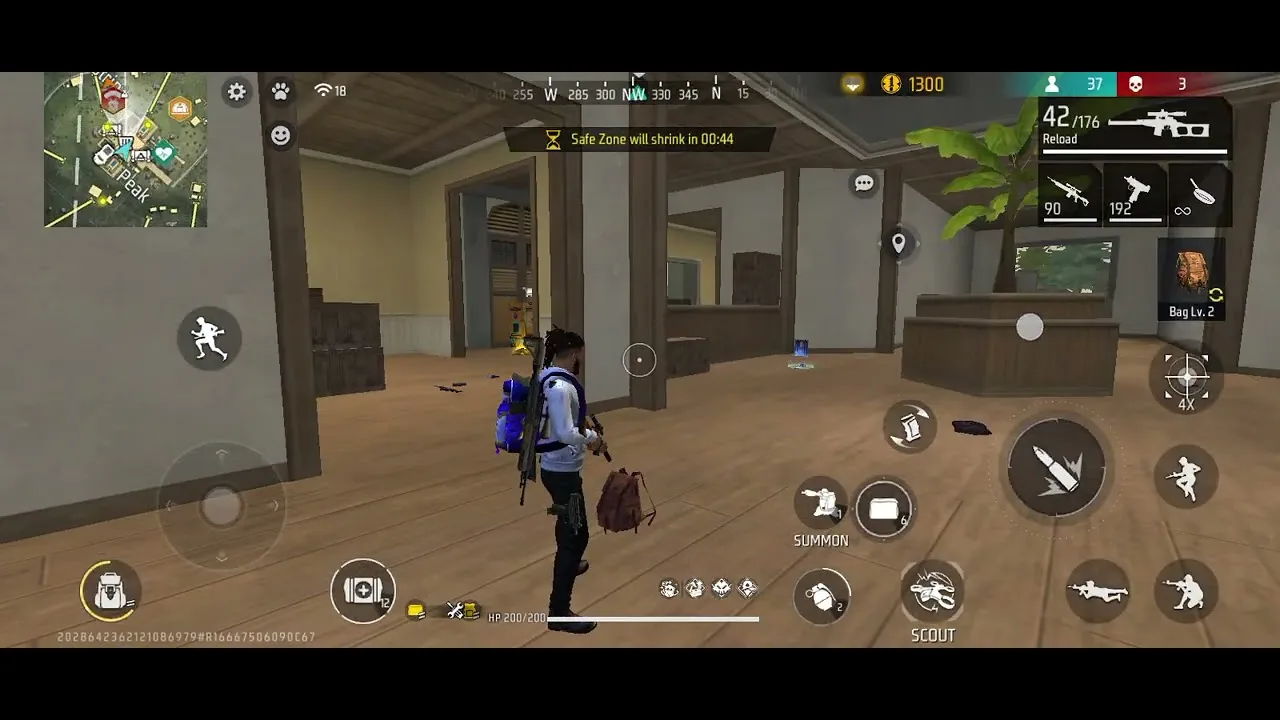
FF Proxy Server Setup Guide for Beginners
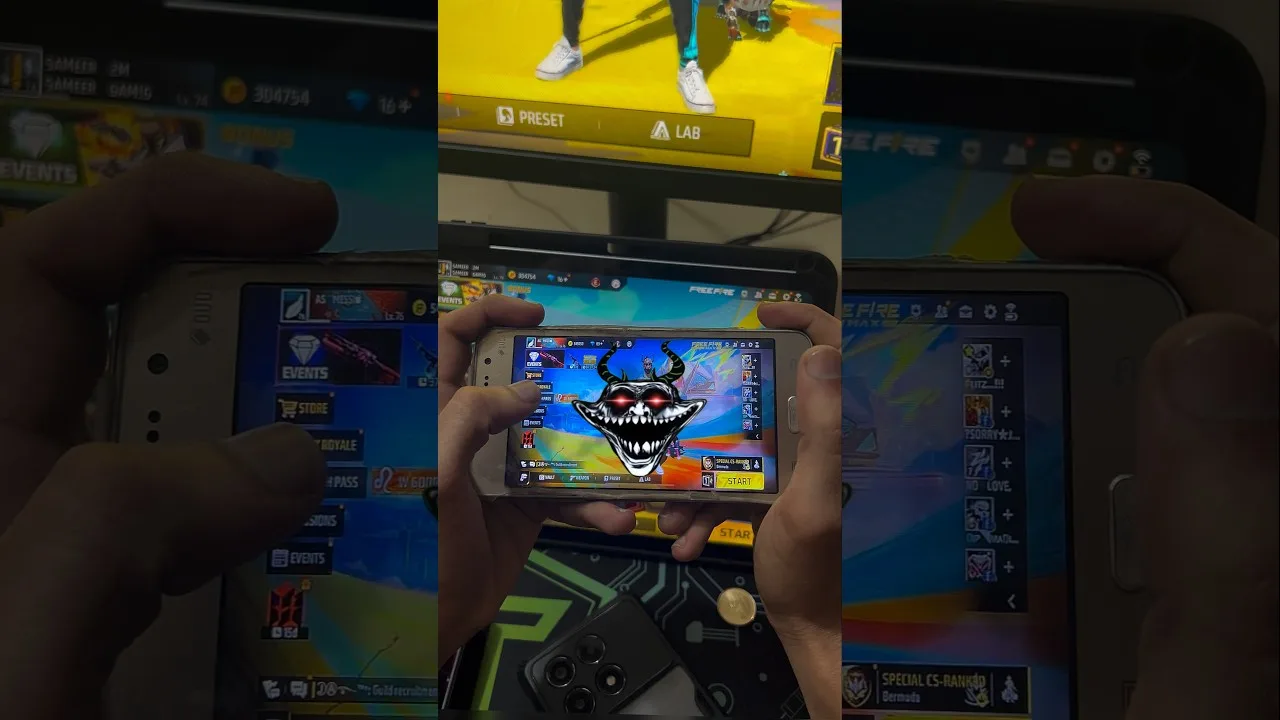
Setting up FF Proxy Server for the first time feels much easier when you treat it as a short routine instead of a race. Beginners often open the app, tap through every screen at once, and then cannot tell which choice helped and which one made things worse. A calmer first setup gives you a clean starting point that you can return to whenever something changes on your phone or your network.
Before you change anything, it helps to know what the tool is meant to do, so start with FF Proxy Server for Android and read the overview with fresh eyes. That background makes the setup steps below feel logical, because you will understand why route choice, timing, and one-change-at-a-time testing matter more than random tapping.
Start With a Clean First Launch
On the first launch, give the app a quiet minute. Close heavy apps running in the background, keep your phone on a stable connection, and let every screen load fully before you move on. Rushing the first launch can leave you unsure whether a slow response came from the app, from your connection, or from a dozen other apps competing for memory at the same moment.
Take a slow look around the main screens without changing anything yet. Notice where routes are listed, where status feedback appears, and where settings live. Readers who worked through the FF Proxy Server main sections guide usually find this tour faster, because the layout already feels familiar and they know which area to open first when they want to test something.
Pick One Route and Stay With It
The most useful beginner habit is choosing a single route for your first session and leaving it alone. New users often switch routes every few minutes, which destroys any chance of learning how one route actually behaves on their network. One route, one full session, and a few honest notes will teach you more than an afternoon of restless switching.
Write down how the session felt in plain words: smooth, slightly delayed, or uneven. You do not need technical measurements at this stage. A simple record lets you compare your second and third sessions fairly instead of relying on memory, which tends to remember the worst moment of a session and forget the rest.
Run a Short Test Session First
Keep your first real session short on purpose. A brief test tells you whether the setup holds together without committing you to a long session on an untested route. If the short session feels steady, extend the next one. If it feels rough, you have lost very little time and you can adjust one thing before trying again.
During the test, pay attention to patterns rather than single moments. One brief pause rarely means the route is bad, while repeated pauses at similar moments usually point to something worth changing. That distinction is the heart of sensible route testing, and it will save you from abandoning good routes for the wrong reason.
Set Up a Simple Repeatable Routine
Once your first sessions feel acceptable, turn what worked into a routine you repeat every time. Open the app before you start playing, confirm the route you trust, check that your connection is stable, and only then begin. Repeating the same small steps removes guesswork, because any new problem stands out against a routine you already know works.
Your routine should also include a quick phone check. Enough free storage, a reasonably charged battery, and no large downloads running in the background all support a steadier session. None of these steps is glamorous, but together they remove most of the small problems beginners blame on the app itself.
Know What to Do When Setup Feels Wrong
Even a careful setup can feel wrong on a bad network day. When that happens, resist the urge to change five things at once. Reopen the app, confirm your route, test your connection in a browser, and try again. If the problem repeats across sessions, the FF Proxy Server not working common problems and fixes guide walks through the usual causes in a sensible order.
Beginners also benefit from knowing their phone is a good fit in the first place. Screen size, Android version, and free storage all shape the experience, and a quick compatibility review early on prevents a long and frustrating setup session on hardware that was never going to feel comfortable.
Keep Your First Week Simple
Your first week with the app is for learning your own normal, not for exploring every corner of it. Resist the temptation to open every menu and test every route in the first few days. A narrow routine, repeated calmly, teaches you what a typical session feels like on your phone and your connection, and that baseline is the reference point for every decision you will ever make inside the app afterwards.
By the end of that week, small things become automatic. You will open the app without thinking, glance at the route you trust, and start playing in under a minute. That ease is the real product of a good setup, and it only arrives when the first days are kept deliberately plain instead of being filled with experiments you cannot yet judge fairly or repeat on purpose.
Final Thoughts
A good beginner setup is not about finding a perfect route on day one. It is about building a calm routine: one route at a time, short test sessions, simple notes, and small checks before you play. Follow that pattern for a week and the app stops feeling mysterious. You will know what your normal session looks like, which makes every later adjustment quicker, clearer, and far less frustrating.